Status page
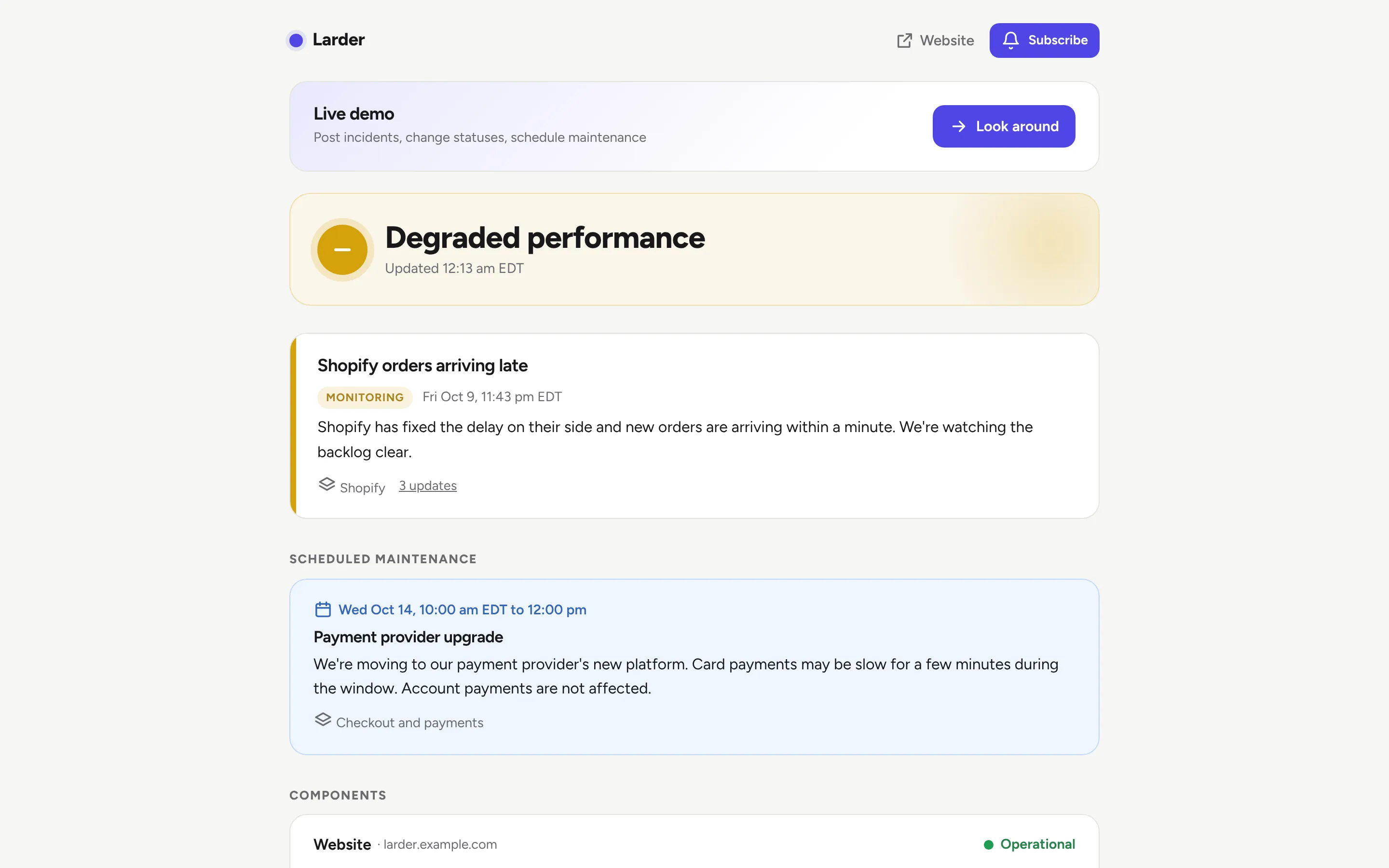
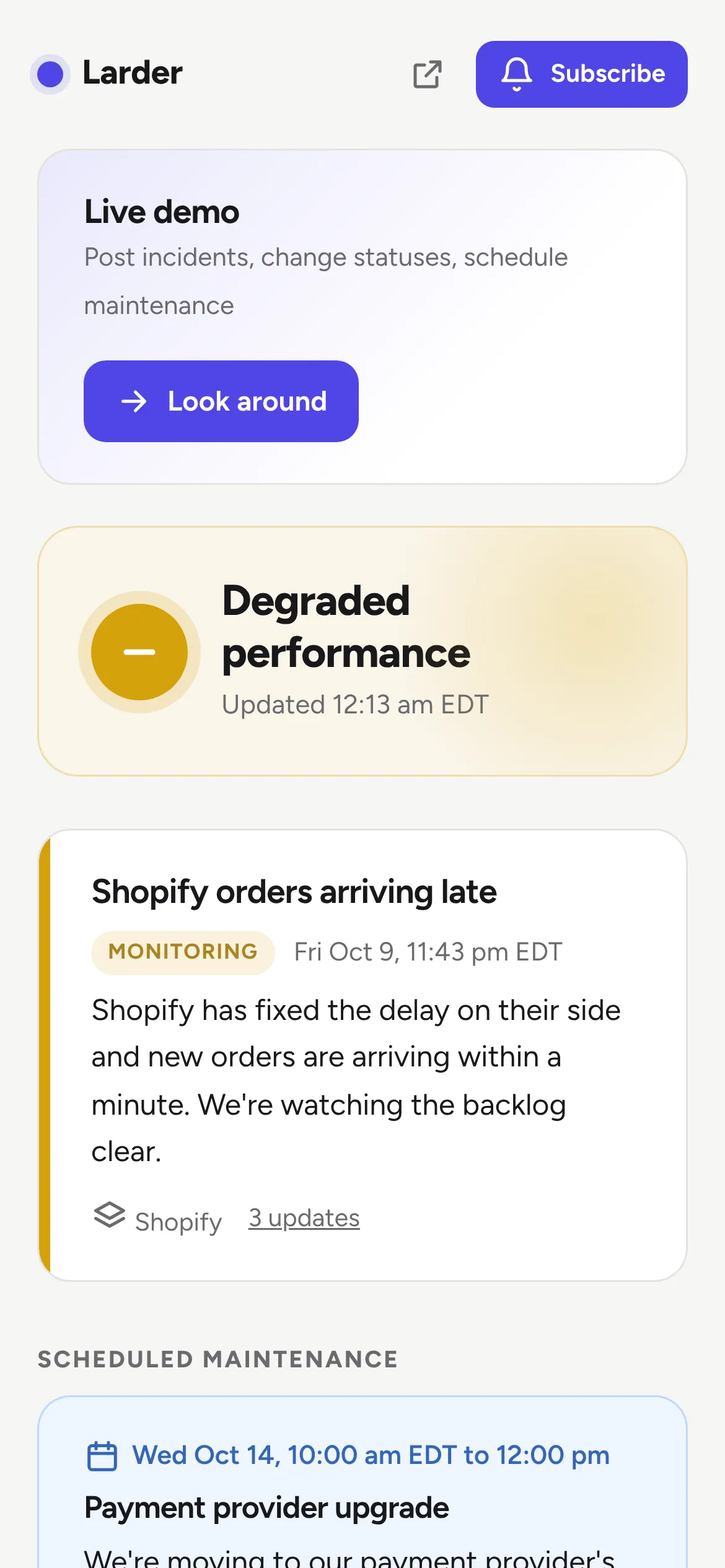
Tell customers what's working, what isn't and when it will be fixed.
Instead of Atlassian Statuspage and Instatus
Give it to your assistant
Copy it
Read https://whisk.run/skill. Then clone https://github.com/Whisk-Hosting/status-page, deploy it to Whisk as a new app, and give me its address.
Make it yours
Read https://whisk.run/skill. Build us a status page on Whisk, starting from https://github.com/Whisk-Hosting/status-page. Change it to suit our business: [what your business runs], [your components], [your colours]. Deploy it and give me its address.
What it does
- One glance answers "is it up?", with each part of your service and its status
- Incidents with a timeline: investigating, identified, monitoring, resolved
- 90 days of uptime per component, with the incidents behind each day
- Scheduled maintenance that starts and finishes on its own
- Email subscribers with confirm and unsubscribe links, and an Atom feed
- Incident history by month
- Your name, logo, colour and support link, light and dark
- An API so a monitor or deploy script can set statuses and open incidents
- Statuspage-compatible JSON and a status badge
How it is built
TypeScript on Node with Hono, Postgres and plain SQL migrations. Pages are drawn on the server, with a small script for the uptime tooltips and the logo upload.
The decisions are pure functions in src/model.ts: the banner, each component's status, when maintenance is in progress and the uptime figures. The database, email and queue are thin shells around them.
There is no monitoring built in, because a check every minute would keep the app awake all day. Point any monitor at the API instead. Whisk provides the rest: public pages for visitors, team sign-in for staff, the database, email, the queue and custom domains.
Make it yours
- Your name, logo, colour and support link
- Your own domain, such as status.yourbusiness.com
- Your components and groups
- Your time zone
- Which monitor sets the statuses, through the API
Whisk features it uses
- Public pagesChoose which pages anyone can open, for websites, forms and portals.
- Team sign-in and access controlYour team signs in with a passkey or an emailed code. You choose who opens each app.
- Postgres databaseEvery app gets its own PostgreSQL database, backed up continuously.
- Transactional emailSend email from any app with no setup, or from your own domain.
- Durable workflows with retriesMulti-step automations that retry failed steps and pick up where they stopped.
- Custom domainsPut any app on your own address, like portal.yourcompany.com.
- Edge cachingPublic pages are served from the cache, even while the app sleeps.
More examples
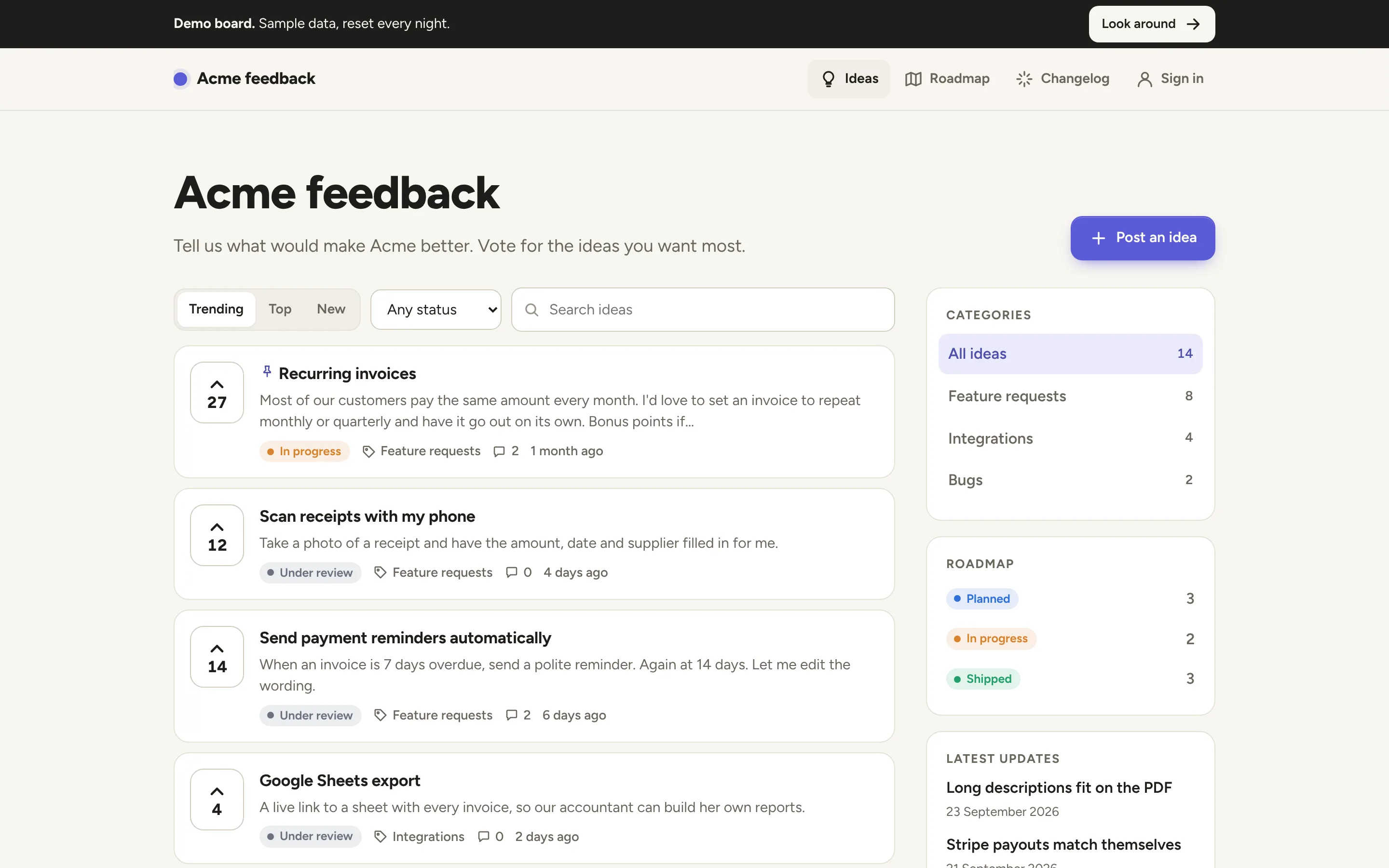
Feedback board
Instead of Canny, Featurebase and Frill
Customers post ideas and vote, you share a roadmap and tell them when it ships.